
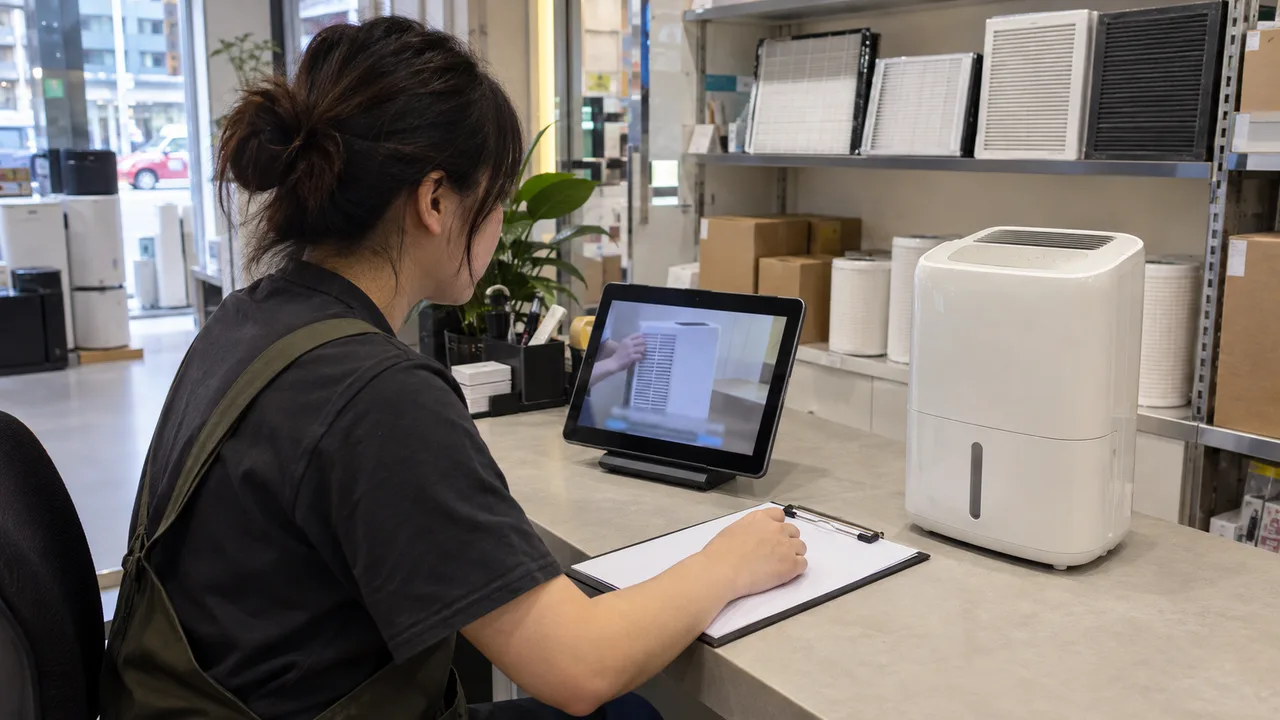
Accept the video customers actually receive
For an appliance retailer refreshing its support library, the decision is whether an existing clip is ready to remain a customer instruction. Choose a video linked from a product page or routinely sent by support staff. Record the appliance model, video version, spoken language and every place it is embedded. Assign the support lead to approve the instructions and a content editor to maintain the caption files. This keeps a later video edit from quietly leaving old captions attached.
W3C's explanation of WCAG 2.2 criterion 1.2.2, Level A, calls for captions for prerecorded audio in synchronised media, with an exception for clearly labelled media alternatives to text. Captions include necessary speech, speaker identification and meaningful sounds, and should not cover relevant visual information. A dialogue translation alone may leave out an alert. Passing this caption check does not establish accessibility of the entire video or website; visual descriptions and player operation need separate consideration.
Choose a caption format you can maintain
Where the existing player supports selectable tracks, separate English and Traditional Chinese files make corrections possible without exporting the video again. Burned-in captions are an alternative when a delivery channel cannot preserve tracks, but each language needs its own maintained export and the text cannot be hidden. A transcript is useful for scanning instructions, yet it does not provide their timing alongside the action. Check the actual delivery channel before commissioning new files. W3C also cautions that automatic captions require accuracy checking; treat recognition output as an editable draft.
For a Cantonese demonstration, ask a reviewer who understands the recording to check the Traditional Chinese track against it. Give the English track its own fluent reviewer, with access to the appliance manual and the same recording. Preserve model codes and the exact English labels printed on controls, adding an explanation where helpful. Agree on local product terms such as water tank and filter before editing. Both reviewers should check the instruction's meaning, including negatives and conditions, rather than approving matching sentence lengths across languages.
Check every action and its cue
Use the following as a proposed retailer checklist, not a record of test results. Imagine a dehumidifier demonstration in which an off-camera colleague explains an indicator and the appliance emits an alert. The caption editor must establish what was actually said and heard; an unexplained beep must not be labelled as a particular fault by guesswork. If the filmed control is already unreadable, accurate captions cannot repair that shot. Ask the product owner for clarification or replace the affected footage.
| Spoken instructions | Retain each action, warning, condition and model identifier; check against the recording. |
|---|---|
| Speaker changes | Identify an off-camera or changing speaker when the source of the instruction matters. |
| Meaningful sounds | Describe the audible alert at its occurrence; confirm its meaning before adding an interpretation. |
| Timing and reading | Keep text aligned with the relevant instruction and allow time to read it while watching the action. |
| Visible controls | Check that captions leave the demonstrated button, indicator and hand movement visible. |
Run a complete playback check
First compare each track with the audio from beginning to end. Then ask a colleague unfamiliar with the edit to watch the delivered player muted and explain the sequence, the relevant alert and when to stop. Use the phone layout as well as desktop playback, switch languages, and replay after seeking to a later step. This exercise exposes practical gaps but does not replace testing with deaf or hard-of-hearing users. Log each defect with its timestamp, language, device and expected correction so the editor can reproduce it.
Make the outcome explicit: accept the checked version, return it for caption correction, or require a video or player change. Hold acceptance when an instruction is missing, a warning changes meaning, an essential sound is absent, or text hides the control being demonstrated. After a correction, replay the affected sequence and then the complete clip. Start today by selecting one currently used support video and booking its two language reviews. Keep the approved video and caption versions together, with a named owner and a recheck whenever either changes.
Related guide: designing complete journeys for English and Traditional Chinese usersCaption production resource: W3C WAI Captions/SubtitlesBefore you proceed
- Can a viewer follow every instruction and meaningful sound cue with audio muted?
- Have English and Traditional Chinese tracks each been checked against the recording and product terminology?
- Do captions remain readable without hiding essential controls in the delivered player?
- Is the acceptance decision tied to a specific video version, caption files and maintenance owner?

