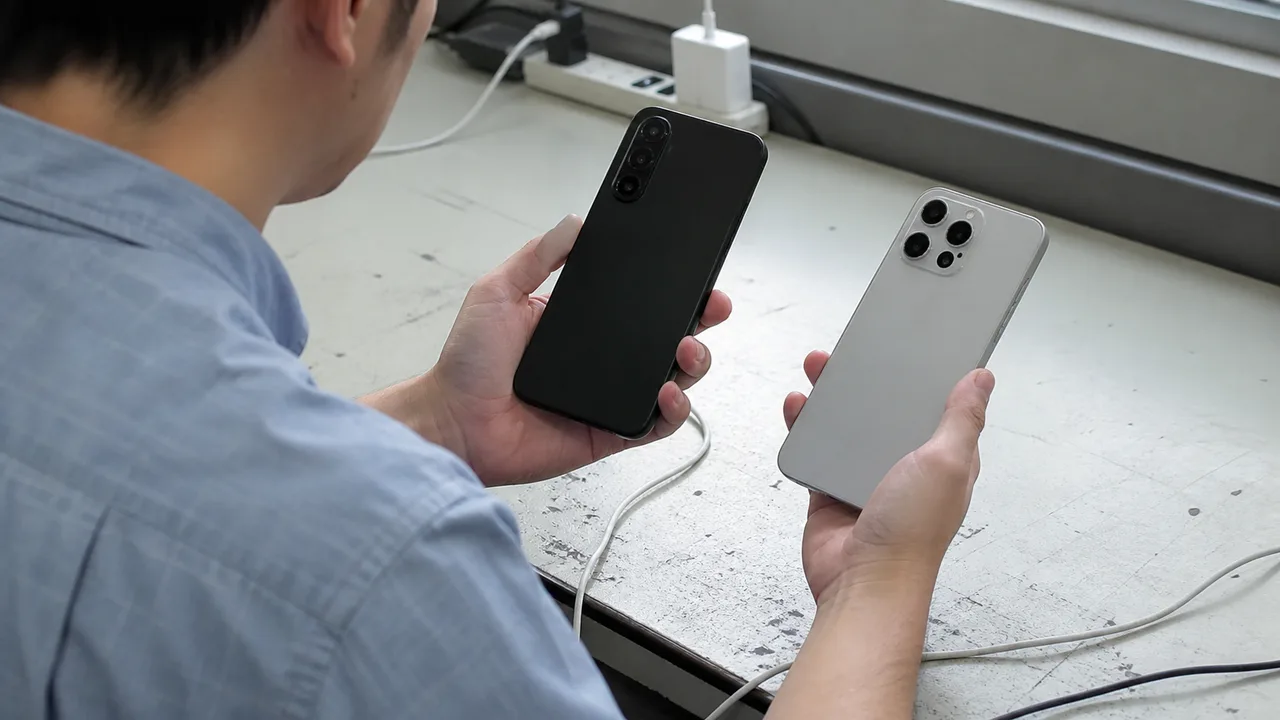
Choose an image that answers a buying question
A product image is useful when it helps a shopper judge a real item: shape, surface, scale or a detail that words alone describe poorly. A generic campaign banner, manufacturer image copied without rights, or digitally enhanced colour that the delivered product does not have may attract attention but creates a worse decision. Start with photographs that the shop owns or is licensed to publish, and match each one to the precise product variant and page. Record what the photograph actually shows. Search visibility is an additional discovery route; the first standard is whether a customer who lands on the page can compare the pictured item with the item for sale.
Google's image guidance separates discovery of the file from the quality and meaning of its landing page. That separation is a useful audit structure. If an image is hidden in a CSS background, a visitor might see it while Google says it does not index CSS images. If the image file is accessible but placed on a thin page with no relevant context, Google has less page information about its subject. If a strong page uses a broken or blocked image URL, the photo itself is not reliably available. Avoid solving all three problems by adding more keywords to a filename; the technical path and the human explanation need to agree.
For a Hong Kong catalogue, decide which language and product naming belong on each page. A page for a blue ceramic cup should say that clearly in the visible title or adjacent description, and the image should genuinely show the blue version. If the English and Traditional Chinese versions use the same photo, each page can explain the same item in its own language without changing the picture's identity. A model code can help staff and customers distinguish close variants, but a code alone rarely describes the visual difference. Write the caption and surrounding text for a purchaser, then use a concise descriptive filename where practical.
Expose the file and explain it on the page
Google documents standard HTML img elements as a way to discover image URLs from the src attribute, including an img inside picture. It does not index a picture presented only through CSS background-image. For the main product photo, check the rendered page rather than the source template alone: is there a real img with a usable src, and does it resolve to the intended public file? Responsive delivery can use appropriate sizes, but the selected photo should remain visible and understandable on a phone. If JavaScript changes the image after selection, inspect the rendered result and confirm that the default product state still offers a discoverable, accurate picture.
Place images near text that describes the relevant product, rather than in a disconnected gallery with no context. Google's guidance identifies page content, captions, image titles and descriptive filenames as signals for understanding subject matter. Alt text should describe the image's useful content for people who cannot see it; it is not a list of search terms. For a cup, an alt such as 'Blue glazed ceramic cup with a rounded handle' tells a customer more than 'best cheap cup Hong Kong blue cup sale.' Do not repeat the entire product description in every photo. A detail shot can name the detail, while a second angle can state what differs from the first.
The landing page still needs a clear, truthful product description and a usable route to the item. Google says the page's content and metadata can affect how and where an image appears. Its preview selection is automated, although metadata such as a relevant preferred image may influence that choice. Do not tell the merchant that adding og:image or structured data forces Google to use a particular photograph. If a catalogue page contains a different hero image and the product page contains the actual photo, check that the chosen metadata describes the right page and does not point to an unrelated generic brand graphic. Keep commercial facts such as colour and availability aligned with the live listing.
Use a sitemap only for a real discovery gap
An image sitemap can tell Google about images it might otherwise miss, including images reached through JavaScript. Google's documentation allows a separate image sitemap or image tags in an existing sitemap; neither is described as a guarantee of indexing or position. Before adding one, sample product pages and see whether the principal images already appear in ordinary img elements with public URLs. If they do, improve page clarity and image quality first. If images are generated by a gallery that Google cannot readily discover, a sitemap may be a reasonable supplementary path, but it does not cure an inaccessible file or a misleading landing page.
Consider a worked example: a shop sells the same handmade cup in blue and white. The blue page initially shows the white photograph because the default gallery selection is wrong, while the blue image exists only after a tap. Merely listing the blue file in a sitemap would expose a photo but leave customers with a misleading first impression. Correct the default image and visible variant label, check the rendered img URL, and write a short description of the blue glaze. If each variant has its own page, match each file to its own landing page. Only then decide whether the gallery's remaining image URLs need sitemap assistance.
For a CDN-hosted image, Google's sitemap documentation allows an image URL on a different domain from the page URL and recommends verifying that CDN domain in Search Console so crawl errors can be reported. That is a practical ownership question, not a reason to copy every image back onto the shop server. Keep an inventory of the public file URL, the product page, the rights holder and any expiry or replacement plan. If a product is discontinued, decide whether the page remains useful and whether its photos still truthfully describe archived stock. Removing an image everywhere just because the item is no longer sold can also erase useful context for past buyers.
Verification should compare a few specific pages rather than claim a sitewide uplift from an unmeasured change. Open each product page on mobile, verify the photographed variant and text, fetch the image URL directly, and inspect the rendered HTML. Check Search Console for page-level indexing problems separately from image discovery, and leave time for crawling. A new photo appearing in a search result is an observation for that result, not proof that the entire catalogue improved. If a photo is absent, revisit the page, crawlability and image relationship before creating more metadata. The repeatable deliverable is an accurate photo publishing process, not a promised Google Images placement.
A useful publishing checklist follows the product through its lifecycle rather than stopping at upload. When a new variant is photographed, the merchant approves the visual truthfulness, the editor connects it to the correct page, and a developer checks the rendered img and public file. After a price or stock update, the photo may remain accurate, but the page text and offer must still reflect current facts. When packaging changes, revisit photographs that could cause a buyer to expect the old pack. This is more reliable than treating image search as a one-time SEO ticket, because the main risk for a small catalogue is often drift between the pictured item and the item actually delivered.
Finally, separate an image search diagnostic from a product rich-result diagnostic. A page can have a discoverable photograph while its offer data is wrong, and a technically valid Product markup does not make a hidden CSS background image into an indexed photograph. Assign one owner to verify visual assets and another to verify commercial fields if the workflow requires it. In the review note, list the actual page, actual image URL, what the photograph depicts, and what was observed in the rendered page. That small evidence set supports a targeted repair. It does not require inventing a traffic gain, and it helps the next editor avoid duplicating images or alt descriptions across unrelated variants.
Before you close the task
- Match each real photo to the correct product variant and public page.
- Check rendered img, direct file access and useful nearby text.
- Add an image sitemap only where discovery needs help.