
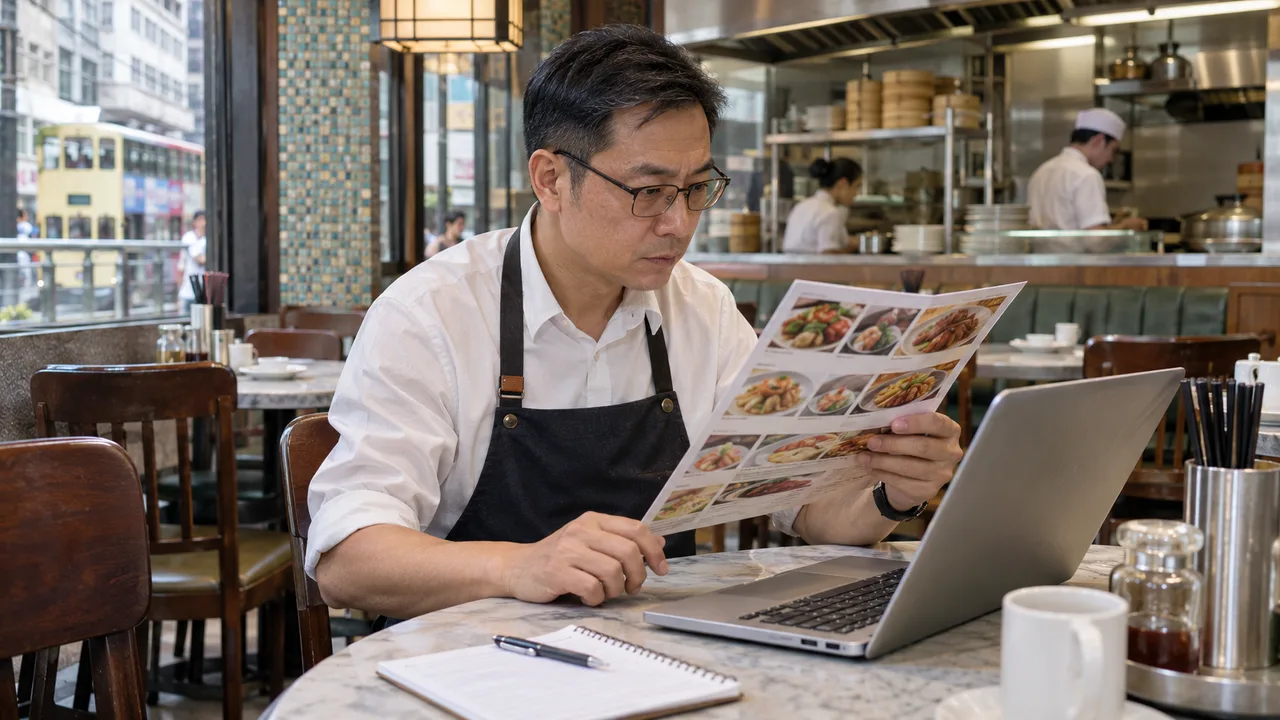
Decide which menu customers should trust
A diner may meet your menu in several places before reaching your door: the menu items on your Business Profile, a photo uploaded by the business or a customer, a menu URL, or a menu source Google has found elsewhere. These surfaces do not automatically tell the same story. Begin with the restaurant's actual service menu for the relevant location and meal period. Identify who can approve dish names, descriptions, prices, availability and dietary statements. A manager who only updates a website PDF has not thereby checked the item list or an older photo that a customer sees in Search or Maps. Treat the public profile as a set of views to inspect, rather than one editable document. Google says food and drink businesses may use its menu editor, but a menu supplied through the Business Profile API may mean the editor is unavailable in the interface.
Make a small source register before editing. For each surface, note its owner, the last confirmed version, the intended customer use, and the action needed when a dish changes. An item list is useful for browsing individual dishes; a current menu link can carry fuller context such as meal periods and ordering conditions; a photo can show the familiar printed layout but is hard to keep synchronized. These are editorial choices, not Google ranking promises. If a third party supplies menu data, identify that relationship rather than repeatedly overriding items without knowing where updates originate. If Google offers a preferred menu source because it found more than one, compare each candidate with the real menu before selecting one. Preserve evidence of the approved menu version so a later correction has a clear reference.
Update the item list without inventing availability
Google's documented path is to open the Business Profile, choose Edit menu, then add or edit a menu item or section and save. Sections can group items such as mains and desserts. Before entering a price, decide whether the figure is the actual price a walk-in diner would face for that item and serving, and whether a service charge, size choice, set-menu condition or meal-period limit requires an explanation elsewhere. A profile should not display a cheaper starting price as if it applied to every variation. Do not promise an item that is routinely unavailable at the location. If the item has been removed rather than temporarily unavailable, decide whether to remove its listing and any matching stale image. A later audit must compare the public view, not merely the form's saved state.
Consider a hypothetical Kowloon lunch shop that replaces a weekday set lunch but keeps its evening menu. The owner first marks which dishes belong only to lunch, checks the current price and portion with the kitchen, and asks the person responsible for the website to update the menu page. The profile editor then receives the approved names and prices, while old lunch photographs are reviewed separately. If the same dish appears in a dinner section with a different price, the owner should not assume one global item edit will express both offers correctly. The public test is concrete: can a diner looking on a phone tell which menu and price apply before travelling? If not, simplify the item representation and point to a clearly maintained menu page rather than multiplying ambiguous entries.
Check photos, PDFs and the menu link
Google allows a business to upload a menu photo or PDF, and customers may also add menu photos. A photograph is evidence of what was printed at one moment, not proof of today's offer. Look at the Menu tab as an unaffiliated customer would. If a photo you uploaded is obsolete, Google documents a delete action for that photo; if a customer's photo is obsolete or inaccurate, Google says to flag it for removal and upload an accurate one yourself. A flag is a request, not a guarantee that the customer's image vanishes immediately. Keep the new image legible on a phone, show the entire relevant page, and ensure prices and small conditions match the current approved version. Avoid relying on a photograph alone for critical conditions that are easier to maintain as accessible text on your own website.
A menu link solves a different problem: it sends customers to a page you control. Google's help directs owners to Edit profile, Business information, Contact, then Menu link to enter and save the URL. Choose the direct menu destination for the specific location, not a homepage that makes the diner hunt for a PDF or a branch selector that silently picks another district. Open that URL in a private browser on a phone, verify it loads without a staff login, and follow any PDF or language switch to the final menu. Check the page's service period, location, prices and availability language. If the business has separate Chinese and English pages, test the language path without assuming Google will select the intended edition for every visitor. Keep the link stable when changing files so old bookmarks do not break.
Allow for publication delay and verify the result
Saving an edit is not the end of the job. Google says menu changes may take 24 to 48 hours to display on Search and Maps. Record when the edit was made, which item or source changed, who approved it, and when a second person will check the public result. If the interface reports an error, Google's guidance is to try again, wait 24 hours, and contact support if the same error continues. Do not tell staff or diners that a correction is live while the public profile still shows the old offer. For urgent changes, keep the restaurant's own menu page accurate and have staff prepared to clarify the discrepancy while the public surface catches up. This operational fallback is sensible customer service, not a claim that Google prioritizes the edit.
Use a verification route that resembles the customer's journey. Search the exact restaurant and location, open the profile on mobile and desktop, inspect item sections, the chosen full menu, photographs and the external link, then compare them with the approved source. A screenshot with the observation time can document what the team saw, but it does not prove every visitor saw the same version. If multiple menu sources appear, Google documents a preferred-menu selection in Edit menu under the Full menu tab. Only choose it after checking which source reflects the real offer. Where Google has transcribed items from your website, correct erroneous items or use the documented opt-out path if transcription is unsuitable. Keep a short open-issue list until the public view and your actual restaurant offer agree.
Build a menu-change routine that survives busy service
For each permanent menu revision, use one small change ticket: the location, effective service, approved dish names and prices, any removed items, the website page, the profile item list, and affected photos. Give one person authority to approve facts and another the task of checking the public result. A temporary sell-out needs a different response from a permanent deletion: staff should decide whether the public item description can remain truthful until stock returns, while the restaurant's controlled ordering page must never accept an order it cannot fulfil. If price or availability changes daily, an item-by-item profile may be too costly to keep accurate; a maintained menu link can carry the detail with fewer duplicated records. This is a maintenance decision, not a reason to leave known false information online.
Before a weekend, holiday or new seasonal menu, run a focused review rather than rechecking every unrelated profile field. Ask the kitchen what will actually be served, ask the cashier what price will be charged, and ask the web owner which link is live. Compare one example from each affected menu section on a customer device, then inspect the old photos most likely to contradict the change. Document any discrepancy with the owner and a follow-up time. A useful completion standard is that a customer can identify the correct branch, service period, dish and payable price or find an explicit route to confirm them. That standard is stronger than a green save notification because it tests the decision the diner is trying to make.
One more handoff matters when an outside ordering provider also displays the menu. Give that provider the same approved version and effective time, but do not assume an edit in Google will update the provider or the reverse. Test the path from the profile to the ordering page with one ordinary dish and one item with a condition. Compare the displayed name, price, available time and final order summary. If the customer sees a mismatch, identify which system owns each field and correct the source that will continue feeding the error. For a branch with frequent changes, keep a record of the last verified public menu and the next scheduled check so a departing manager does not leave the next shift guessing. This joined-up check catches a practical failure that separate screenshots of each editor cannot reveal.
Before you proceed
- The approved menu names the correct branch and service period.
- Profile items, photos and the menu link have been checked separately.
- A customer-device check is scheduled after Google's display delay.

