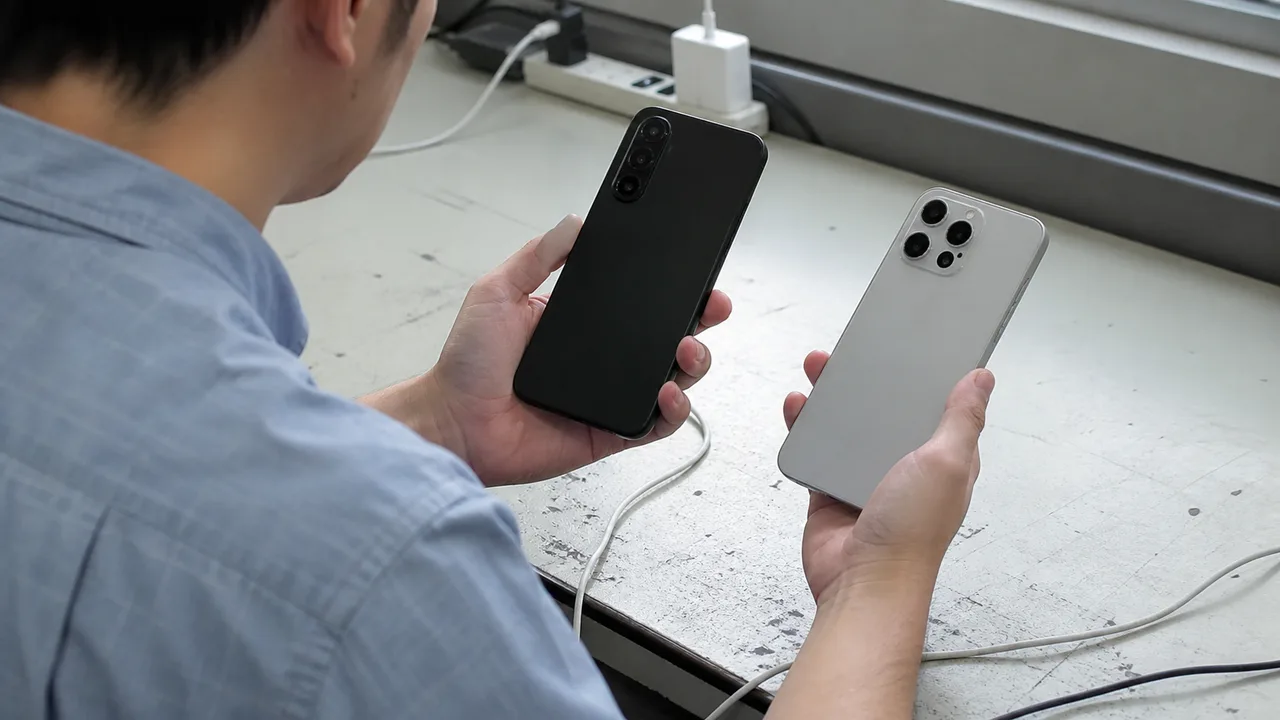
Identify words people must read
A campaign photograph may make a page inviting, but the words that tell a customer what is offered, when it ends or how to act must remain usable. Imagine a small business preparing a bilingual service promotion. Its designer places the service name, eligibility, end date and booking instruction directly into a JPEG banner. That looks tidy on one screen, yet a reader cannot freely enlarge those letters, change their colour or use a screen reader to navigate them as text. W3C's WCAG 2.2 success criterion 1.4.5, Images of Text, addresses information conveyed through pictures of words when the same visual presentation can be achieved with text. The first editorial step is to separate the visual asset from the proposition. Mark every phrase a customer needs to make a decision: offer scope, exclusions, dates, price if relevant, and the next action. Put those phrases into the page's actual text fields in each language. Then decide whether the photograph adds context worth keeping. A photograph of a location or activity can stay as a photograph; it does not need to carry the policy inside its pixels.
Apply the actual AA criterion
The Level AA criterion does not ban every word inside every graphic. W3C says to use text to convey information rather than images of text when the technology can achieve the visual presentation, with exceptions where the image can be visually customized to the user's requirements or where the particular presentation is essential to the information. Logotypes are considered essential. W3C also distinguishes images of text from a photograph or diagram that contains meaningful visual content beyond its lettering. This matters in practice: a brand mark is not the same as a sale deadline added to a hero image, and a screenshot explaining a software feature is not the same as a graphic used merely to render a heading. Do not turn an exception into a blanket campaign policy. The fact that a designer prefers exact line breaks is not enough to show that the words need to be an image. Where an image contains text that must remain, W3C's image tutorial says the text alternative should include the text presented in the image. That does not erase the need to consider whether ordinary page text would give customers more control over size and appearance.
Give visual design an editable text layer
Build the campaign area from separate parts: a photograph or illustration, a real heading, explanatory copy, and a real action control. Style the text with CSS so it can wrap when the viewport narrows and can adapt when a customer enlarges text or changes display preferences. Keep the business facts in the content system, not embedded in every exported image variant. This also makes a bilingual release easier to review: an editor can compare the English and Traditional Chinese offer conditions as text, without asking a designer to inspect compressed letters inside separate image files. The visual composition can reserve negative space for the heading, but the negative space is not an excuse to draw the heading into the image. Test both layouts at phone widths, enlarged text and longer Chinese or English phrases; a line break that looked elegant in a desktop mockup may cover the subject or push the action out of view. The button label should describe its action and remain a genuine control. A banner that merely looks like a button inside a picture gives a false affordance and can make the actual route hard to find.
Keep conditions and visuals in sync
A common failure appears after a campaign changes. The page text says the promotion has ended, but a cached social image still declares the old deadline; or the Chinese image contains an older exclusion while the English page has been corrected. Treat each visual as a release asset with an owner, a source of truth and an expiry check. If the image is decorative, avoid putting any time-sensitive business fact in it. If a logo or necessary image text remains, check its actual content against the live page and write a meaningful alternative. Do not use a vague alternative such as “promotion banner” for an image that contains a decisive condition. Conversely, if the same condition is already visible as adjacent real text, repeating a long sentence in alternative text can be noisy; document the image's role and make the equivalent information available once in the reading flow. The WCAG guidance allows image text alongside the same visible text, but editorial consistency still matters. Every public route should support the same decision. Review landing page, shared image and any downloaded artwork against the approved conditions before scheduling a campaign.
Test a bilingual campaign before export
Suppose a tutoring service wants to advertise an introductory consultation. The draft artwork has a smiling tutor, the words “Book a consultation,” a possible fee, and a line about who qualifies. The photo can establish context. The booking instruction should be a real heading or link beside it. Any fee or eligibility rule should be ordinary text tied to the verified offer record; if no fee is confirmed, do not guess one for the artwork. The Traditional Chinese edition should state the same material conditions in natural local wording, not hide a qualifier in a smaller image caption. Ask a reviewer to enlarge text, switch languages, listen to the page with a screen reader and follow the booking action. They should reach the same eligibility information before taking the next step. If the visual still contains a logo, identify it appropriately; if it contains a necessary diagram, provide the information the diagram communicates. These choices are editorial design decisions, not evidence that a particular tutoring company runs this promotion. The scenario is useful because it forces the team to identify which words are central to the customer decision and who must update them later.
Use a content and accessibility release check
Inspect the final page, not just the design file. Can the essential words be selected as text? Can they be enlarged without pixelation or being clipped? Does changing the language replace all material conditions, including the action label? Does the visual remain useful when text is read in a different order or the image fails to load? If a text image is claimed to be essential, record why its exact visual form conveys information that ordinary styled text cannot. Compare the claim with W3C's actual exceptions rather than a general wish to preserve a brand look. If an image contains readable words, check the original pixels at full size for misspellings, fake glyphs and mismatched conditions; a small thumbnail is insufficient. Keep a plain-text copy of the approved terms in the content workflow so a later redesign does not recreate an old claim. Finally, test the link or button that the promotion asks customers to use. A visually strong banner with inaccessible or stale terms can lead customers to make the wrong decision, even if the page technically has an image alternative. The release is ready when the words, visual and destination agree in both languages.
Write a decision note for each graphic
For each campaign graphic, keep a small inventory of the words it visibly contains, the page text that carries the same decision information, and the person who approves changes. Mark whether the image is a photograph, a logo, a diagram or a picture of ordinary copy. This forces a deliberate decision about the WCAG exception instead of assuming every visual is equivalent. It also gives the editor a practical comparison when a campaign expires: search the page fields and the actual image files, check both language versions, then replace or withdraw stale assets. A short accurate record is especially useful when the same creative is adapted for a website, social preview and email, where text may be embedded differently.
Release checks
- The essential offer and action words are present as real page text in both languages.
- Any remaining text image has a justified role and a checked equivalent description.
- The final image, page copy and destination agree on all material conditions.