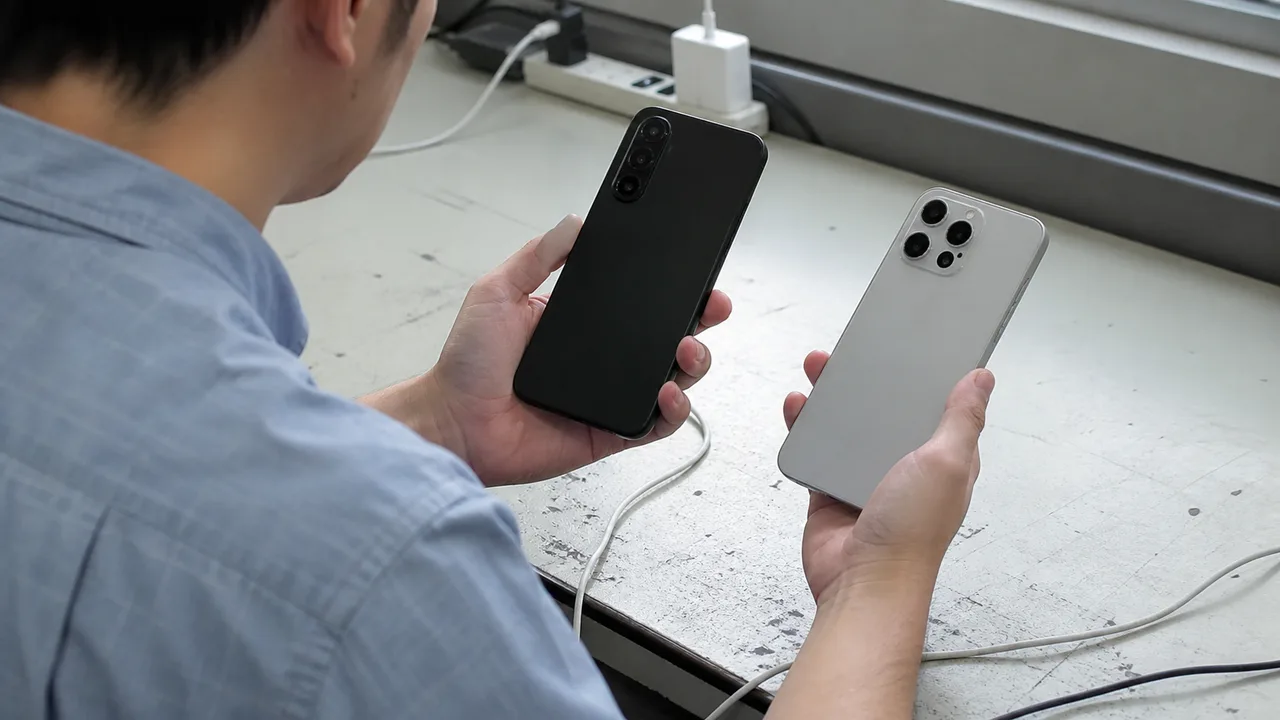
Test switching within the same task
A customer starts an enquiry on a tablet using touch, attaches a keyboard to write a longer explanation, then uses a mouse to choose an attachment. Another starts with a mouse and switches to speech commands that emulate clicks. A page may work with each input method when tested from a fresh load yet fail when the person switches midway: a touch-only overlay remains open, a menu assumes the last device type, or focus is lost after a pointer action. W3C's Concurrent Input Mechanisms criterion is Level AAA. It says web content should not restrict input modalities available on a platform, apart from essential, security or user-setting reasons. Its emphasis is the freedom to change input method at any point. That is a narrower editorial question than whether a single button can be operated with a keyboard in isolation.
The business should decide which customer journeys need the switch test: long forms, product configuration, booking, document selection and account settings are good candidates because they include several different controls. Record the supported device and browser combinations, including any hybrid laptop or tablet that accepts both pointer and keyboard input. Start with the actual customer task, not a list of hardware events. The acceptance question is whether the customer's entries, selected options and understanding of the next step survive a change in input. A customer should never have to reload, re-enter information, or deliberately break a session merely because the first tap caused the site to choose a permanent 'touch mode'. If a mode switch is intentional, it must remain understandable and reversible.
Keep one shared task state across input paths
Build the interface around the customer's operation rather than a device label. A booking date remains the same selected date whether it is chosen by tapping a calendar cell, clicking with a mouse, or moving through choices by keyboard. A menu opened by a mouse should still expose navigable items when the customer next presses a key. A dialog dismissed by touch should return the user to a meaningful place for subsequent keyboard use. When a control has pointer-specific behaviour, it still needs the ordinary keyboard operation required elsewhere in the journey; the concurrent-input review then checks the handoff between those routes. Keep state in one application model so a pointer handler and a key handler cannot disagree about which option is selected. Visible state and programmatic state should be checked together after each switch.
Avoid broad assumptions based on the first event. A device with a touch screen can later gain an external mouse or keyboard; a touch-enabled laptop already offers several mechanisms. W3C's examples explicitly include attaching input devices to a phone, adding a touch monitor after keyboard use, and moving from mouse to arrow keys inside a menu. Design for the control that is currently used without disabling the other available controls. CSS and event handling may adapt presentation for a coarse or fine pointer, but adaptation should not erase a valid route. For example, increasing the size of a touch target is a useful adaptation; hiding all hover-independent controls because the page once received a touch event can create a new barrier. Test changes in both directions, not just touch to keyboard.
Trace a mixed-input appointment request
Take a hypothetical physiotherapy booking flow on a hybrid tablet. The customer taps a service card and a calendar opens. They attach a keyboard to enter a referral note, use Tab to reach the calendar, then use a mouse because it is easier to inspect dates. After clicking a date, they resume keyboard use to read and submit the review. A failure might occur if the initial touch opened a custom calendar that captures future key presses as text, or if mouse selection updates only a visual highlight while the form retains the previous date. The owner should state the expected path: the selected service and date remain visible, the note persists, the next actionable control is reachable, and review shows the same values regardless of which device made the selection. This is a worked design case, not an observed customer incident.
Make the test more revealing by reversing the order. Open the calendar with the mouse, move through dates with the keyboard, and select with Enter. Then attach or detach the external keyboard while the page stays open, if the supported platform permits it. Try a stylus after touch and a trackpad after stylus; check that a second pointer does not leave the first pointer's hover or pressed state stuck. If speech input is supported through operating-system commands, test the visible labels and subsequent pointer use, but do not pretend every browser exposes identical speech controls. Keep the commercial transaction intact: changing input should not alter the price, discard the chosen slot, or send the form. Those are observable outcomes that a small team can verify without inventing a performance metric.
Respect narrow exceptions and record the handoff
The W3C criterion allows restrictions where they are essential, required for content security, or needed to respect a user setting. Its explanation gives a touch-typing test as an example where the input method is intrinsic to what is being measured. That does not mean a shop may call every touch-only control 'essential' because its first prototype was built for phones. If a security-sensitive action genuinely requires a particular input method, record the threat and why a less restrictive route would not meet the requirement. Likewise, if a customer intentionally chooses a mode, verify that the setting is clear and that returning to the ordinary journey is possible. W3C labels this criterion AAA; avoid presenting every failed switch as proof that the site misses an AA claim. The practical benefit is a more resilient journey for people using available hardware in changing circumstances.
A concise acceptance record can name the starting input, switching point, finishing input, selected values before and after, focus or pointer state, and the final customer result. Reproduce any defect with the same browser and hardware before changing the code, then run the full sequence again after repair. Do not stop at the specific control that failed: follow the customer through review and confirmation so an earlier stale value cannot hide until submission. Check the English and Traditional Chinese versions, since longer labels or different content can alter menu shape and focus order. Invite a person who uses a different input combination to try the path if available, but report only testing actually performed. An evidence-backed pass is a completed task with its state intact across the switch, not simply a screenshot showing a keyboard and a mouse beside the device.
A useful defect log distinguishes a missing control from a broken handoff. If a date picker never supports keyboard operation, that issue should be fixed directly. If it supports keyboard operation on a fresh page but stops responding after a mouse selection, the defect is in switching state. Record both, because the repairs may differ: a semantic control can address the first, while event ordering, focus restoration or shared application state may address the second. Do not let a device-detection shortcut silently decide which events are legal for the remainder of a session. An interface can adapt target size or hints to current conditions without deleting the other routes. When a third-party widget is involved, give its supplier the exact switching sequence, expected state and observed state, not simply 'accessibility is broken'.
Write an acceptance sequence that spans a real customer decision, not a showroom demonstration of devices. For example: enter contact details by touch, choose a service by mouse, edit the note by keyboard, reopen the service choice with a pointer, and confirm with keyboard. At each point ask what the customer believes is selected and what the application will actually submit. If the answer differs, hold the flow for repair even if all the controls are individually clickable. Include a recovery action, such as changing the selected service and returning to review, because a mixed-input problem can emerge only after a second edit. The same sequence should be meaningful in both languages, with labels that still identify the action after a mode change. This approach gives the business a repeatable task test instead of a generic claim that the site supports touch, mouse and keyboard.
Checks before release
- Switch input method mid-task in both directions without reloading.
- Compare selected values and next actions before and after the switch.
- Finish review and confirmation with the original task state intact.