
Decide what completion should let the customer do
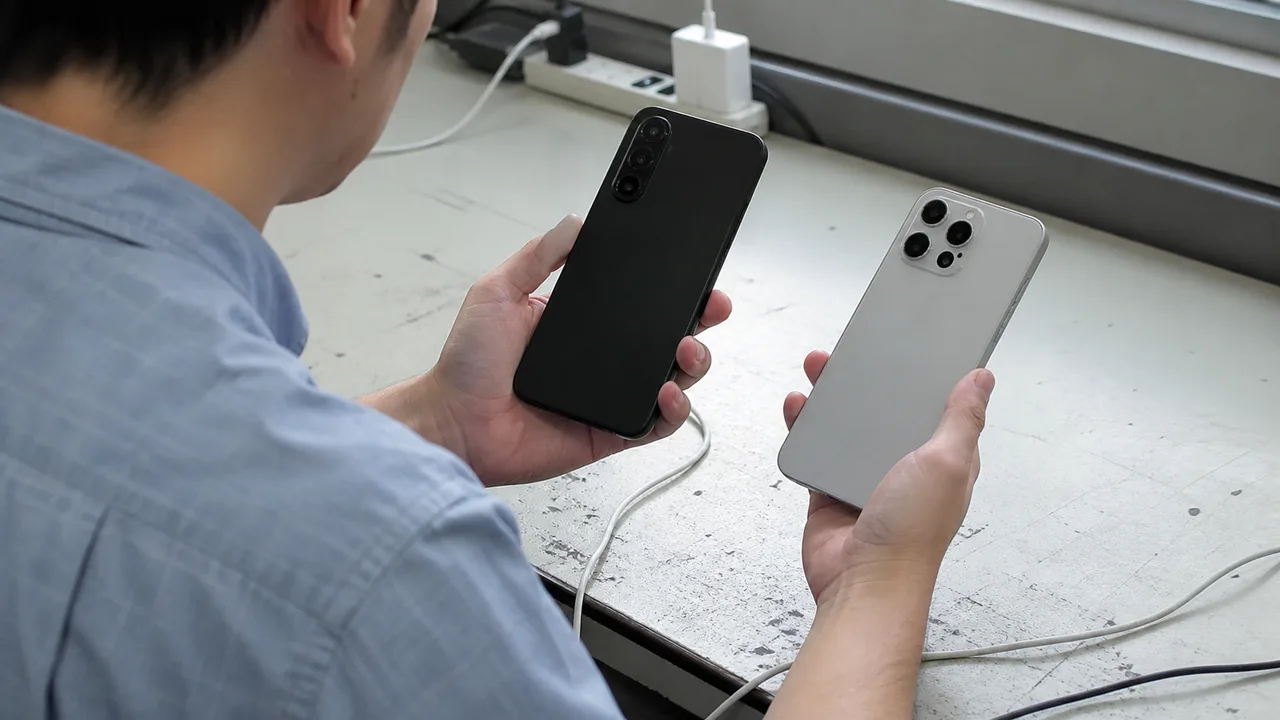
Imagine a camera-accessory shop whose catalogue refreshes while a customer types a filter size. The product grid changes, but the customer hears only the search field. They cannot tell whether to wait, correct the query or start browsing. Make the acceptance decision specific: after the latest search finishes, can the customer understand the outcome and reach the results without losing their place? This is a proposed test scenario, not a reported customer incident.
Keep live search if its updates help customers narrow a substantial catalogue and the team can maintain its asynchronous behaviour. A Search button is a reasonable alternative when partial queries mostly produce noise or the theme makes reliable updates expensive. It makes the trigger predictable, but a button that updates results on the same page still needs completion feedback. A full results-page navigation is a different interaction and needs its own orientation test. Compare these choices against the actual shopping task before replacing a search component.
Announce the status, then let customers browse
W3C's explanation of WCAG 2.2 criterion 4.1.3 covers status messages that assistive technology can present without taking focus. A result count is a status; the result list itself is different. The criterion identifies existing messages programmatically rather than requiring new announcements everywhere. W3C also cautions against excessive feedback. This guidance supports a focused search check, not a claim that the whole shop meets WCAG.
W3C: Understanding status messagesFor the developer handoff, W3C technique ARIA22 describes a container using role=status, present before its message changes. Its polite live-region behaviour supports announcements without moving focus. Explicit aria-atomic=true helps present a complete phrase across environments. Keep product cards outside that container. Ask the developer to demonstrate the rendered behaviour with a screen reader; an attribute inspection alone cannot tell you what a customer hears.
W3C ARIA22: implementing and checking a status containerAgree on messages for each outcome
Use a fixed test catalogue so the expected count is known. The following copy and quantities are proposed fixtures, not observed shop data. Tie the count to the latest completed query and the products shown on screen. If pagination shows only part of the matches, distinguish total matches from products currently displayed. A failed request must not become a zero-results message: that would tell the customer to change a valid query when the shop has not actually searched it.
| Pending | Searching for 67 mm filters. | A deliberately slow response communicates waiting without repeated announcements during typing. |
|---|---|---|
| Completed | Search complete. 8 matching products. | The count matches the fixture; focus remains where the customer left it. |
| Filter applied | Results updated. 3 matching products. | The count changes without automatically reading every product. |
| No matches | No matching products. Try another size or clear a filter. | An empty search is distinguishable from one still loading. |
| Request failed | Search could not finish. Please retry. | The query is retained and a retry control is available. |
Run the task in English and Traditional Chinese
Budget for a short session with someone who routinely uses a screen reader, on an agreed browser, device and speech-language setup. Record that combination; one passing setup is not universal coverage. Run English and Traditional Chinese separately. For Chinese entry, include choosing characters through an input method, not merely pasting a finished phrase. Ask when the participant believes the search has finished and what they would do next, without telling them the expected answer.
Search and browse
Enter the fixture query and pause. Check waiting and completion speech, then navigate to a product using the keyboard. The update itself must not pull focus into the results.
Change and clear conditions
Apply a filter, try a no-match query, then clear it. Compare announcements with visible counts and check that recovery controls remain reachable.
Make requests overlap
Have the developer delay an earlier request, then enter a newer query. A late old response must neither replace current products nor announce an obsolete count. Also simulate a failure and retry.
Listen during normal typing
Include Chinese character selection. Record repeated, interrupted or wrong-language announcements and repeat the corrected flow in each locale.
Give each failure a reproducible query, the visible outcome, the spoken words and the focus location. Ask the developer to suppress obsolete responses and consolidate rapid updates instead of announcing every keystroke. A short pause before searching can reduce churn, but its timing should be checked with actual typing and Chinese composition. Do not make ordinary result counts urgent alerts merely to force them to be heard. The goal is a useful completion cue that leaves the person able to continue shopping.
Turn the findings into a delivery brief
Send your supplier the fixture queries, bilingual message table and recorded failures. Request separate estimates for repairing live search and for a submitted-search alternative, both including retesting in the agreed environments. Accept the change when the latest outcome is understandable, stale results stay silent and focus remains under the customer's control. Keep broader bilingual journey improvements in a separate work item so this concrete fix has an owner and a finish line. The related guide can help organise that wider review; the service page is a reference for scoping interaction-design support if you need it.
Related guide: designing for English and Traditional Chinese usersAstera UX/UI design serviceBefore you proceed
- Waiting, completion, no matches and failure are distinguishable in both languages.
- Counts match the latest query; late responses do not overwrite or announce old results.
- Updates preserve focus without reading the whole result list or repeating every keystroke.
- The brief names the test environments, responsible owner and retest requirement.